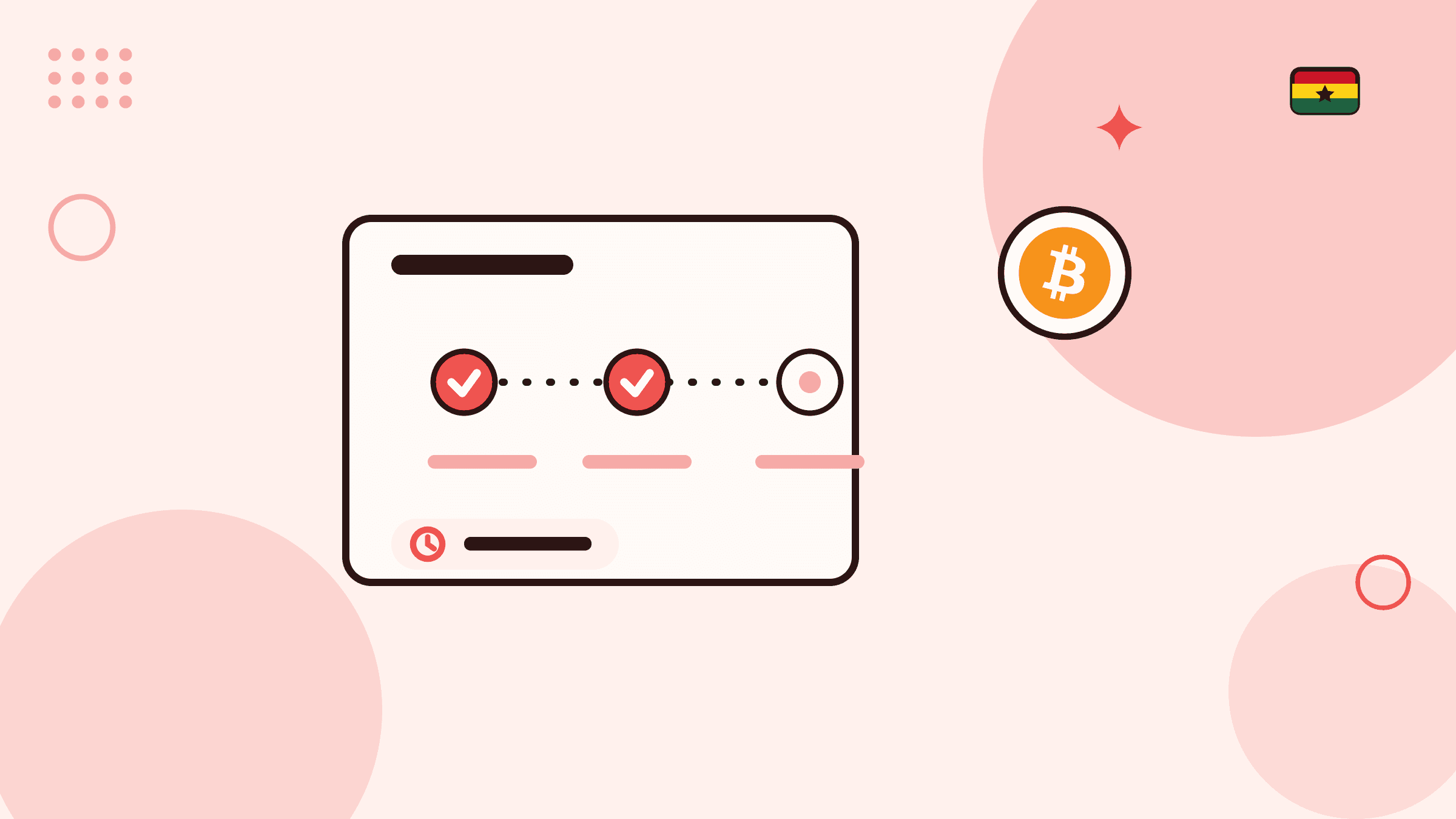
How to follow a crypto buy order after you pay
- Step 1
Create the order, then pay and report the reference
Review the quote and choose Place order. The created order shows the exact account, amount and payment deadline. Pay those details, then open I've paid and enter the transaction reference from your Mobile Money or bank receipt.
- Step 2
Watch the payment confirmation deadline
A pending order shows how much time ebitpoint has left to confirm your payment. The order page checks for updates while it is open, so you do not need to submit again.
- Step 3
Correct the reference if you made a mistake
While the order is pending and its payment window is open, use Update payment details on the order to correct the reference or attach a receipt screenshot. Sending a reference or screenshot does not confirm receipt.
- Step 4
Wait while delivery is processed
Payment confirmed means ebitpoint has verified the payment and is delivering the crypto to the ebitpoint wallet or external address you chose. There is nothing more for you to do.
- Step 5
Keep the completed order record
A completed order shows the crypto delivered and a delivery reference. Keep the order reference, payment reference, and delivery reference together for your records.
Awaiting payment and Checking payment: before receipt is confirmed
The order page first reads Awaiting payment. After you pay and use I've paid to send the receipt reference, it reads Checking payment. Your activity history groups both under Payment verification; open the order to see whether payment has been reported. ebitpoint checks its own Mobile Money or bank records before confirming receipt or releasing crypto.
The order shows a payment confirmation deadline and a countdown. The page checks for payment and delivery updates while it is open, so leave it open or come back to it rather than sending the payment again.
Payment confirmed: delivery is in progress
Payment confirmed means the payment has been verified and ebitpoint is processing delivery. Your activity history shows this as Delivery in progress. You do not need to take any further action for the order.
Delivery goes to the destination you chose before paying: your ebitpoint wallet for that coin, or the external address and network you entered twice on the order. If you chose an external wallet, the final review also showed the blockchain network fee deducted from the crypto you bought.
Completed: the crypto has been delivered
A completed order means the crypto has been delivered. The order shows a delivery transaction reference and, where available, a delivery receipt. Keep them with the order reference and your payment receipt.
If the completed amount or destination does not match what you reviewed, contact Support from your signed-in account with the order reference. Do not post wallet or payment details publicly.
Cancelled orders and reversed confirmations
An order that reads Automatically cancelled did not have its payment confirmed before the deadline. An order you cancelled yourself reads Cancelled. In both cases no crypto is delivered for that order, so if you already paid, contact Support with your payment reference rather than paying again.
An earlier payment confirmation can also be reversed. If the original deadline has already passed when that happens, the order reads Payment confirmation reversed and is cancelled. The same advice applies: keep the payment reference and contact Support.
Use the order page, not messages, as your record
The signed-in order page is the record of what is happening. A call, chat, or screenshot from someone else does not change an order status, and ebitpoint does not need your Mobile Money PIN, one-time code, password, or recovery phrase to confirm a payment.
For a sale rather than a purchase, the stages are different: a sell order waits for your crypto deposit first and then for the Ghana cedi payout. The crypto sale statuses guide covers those.